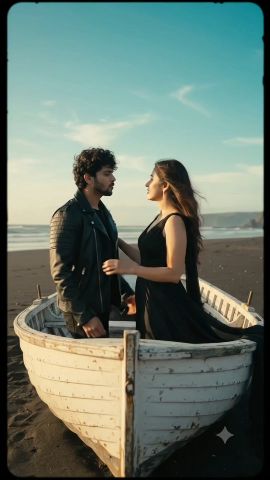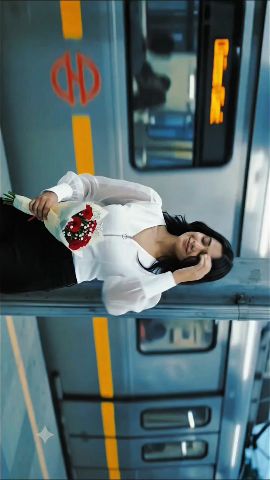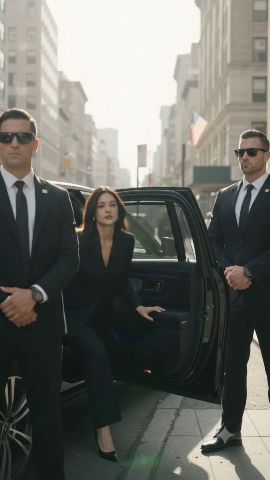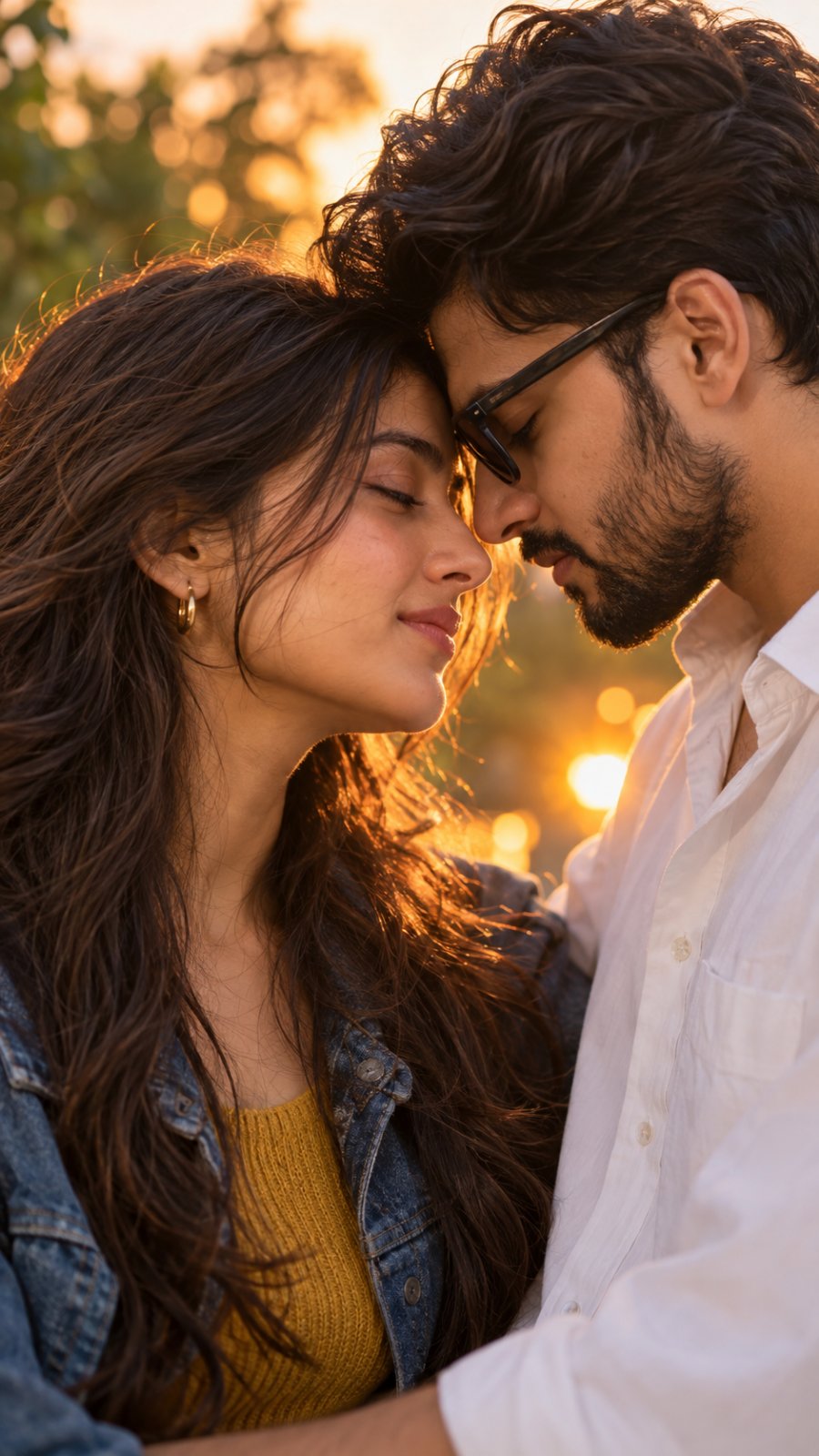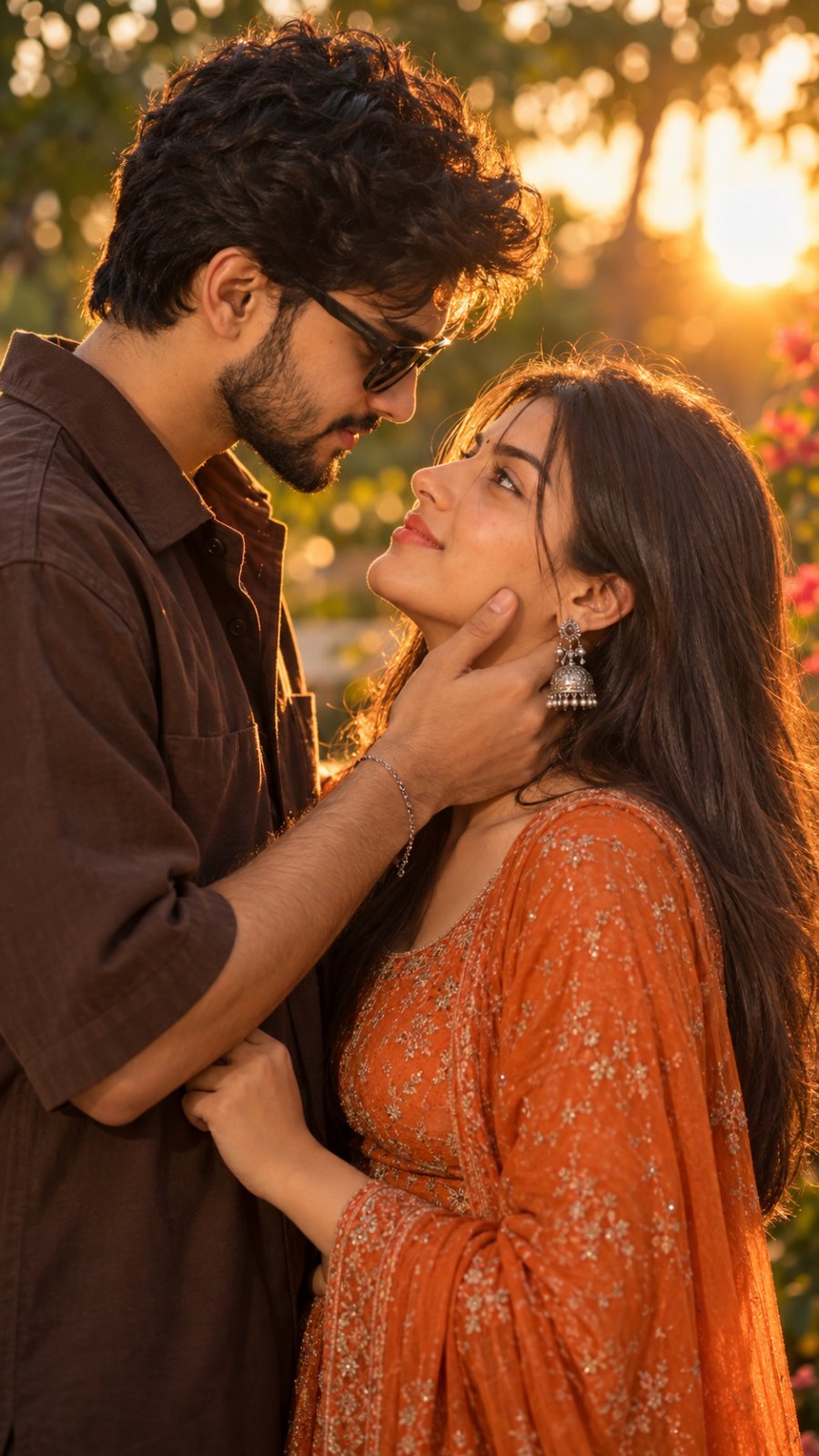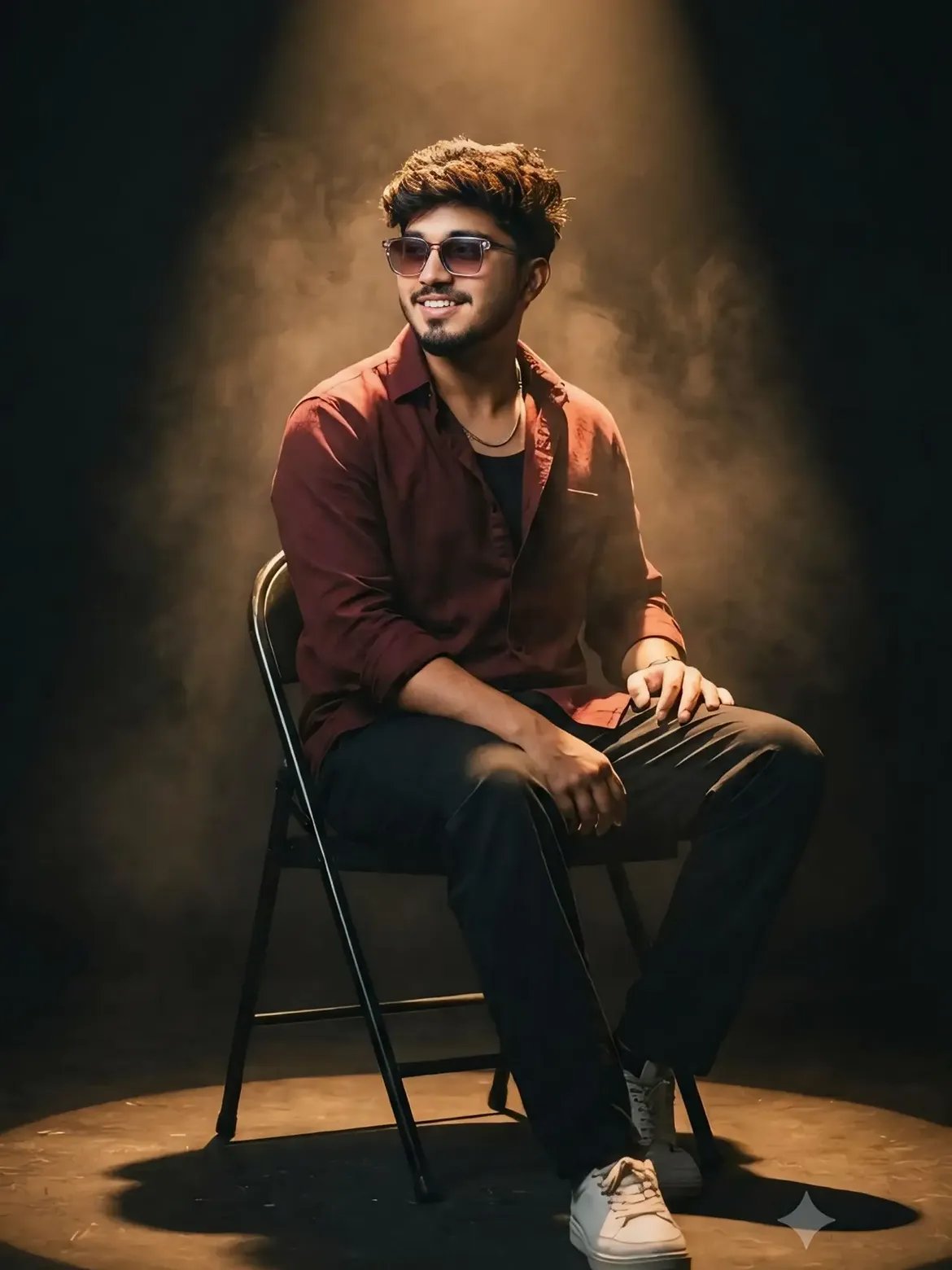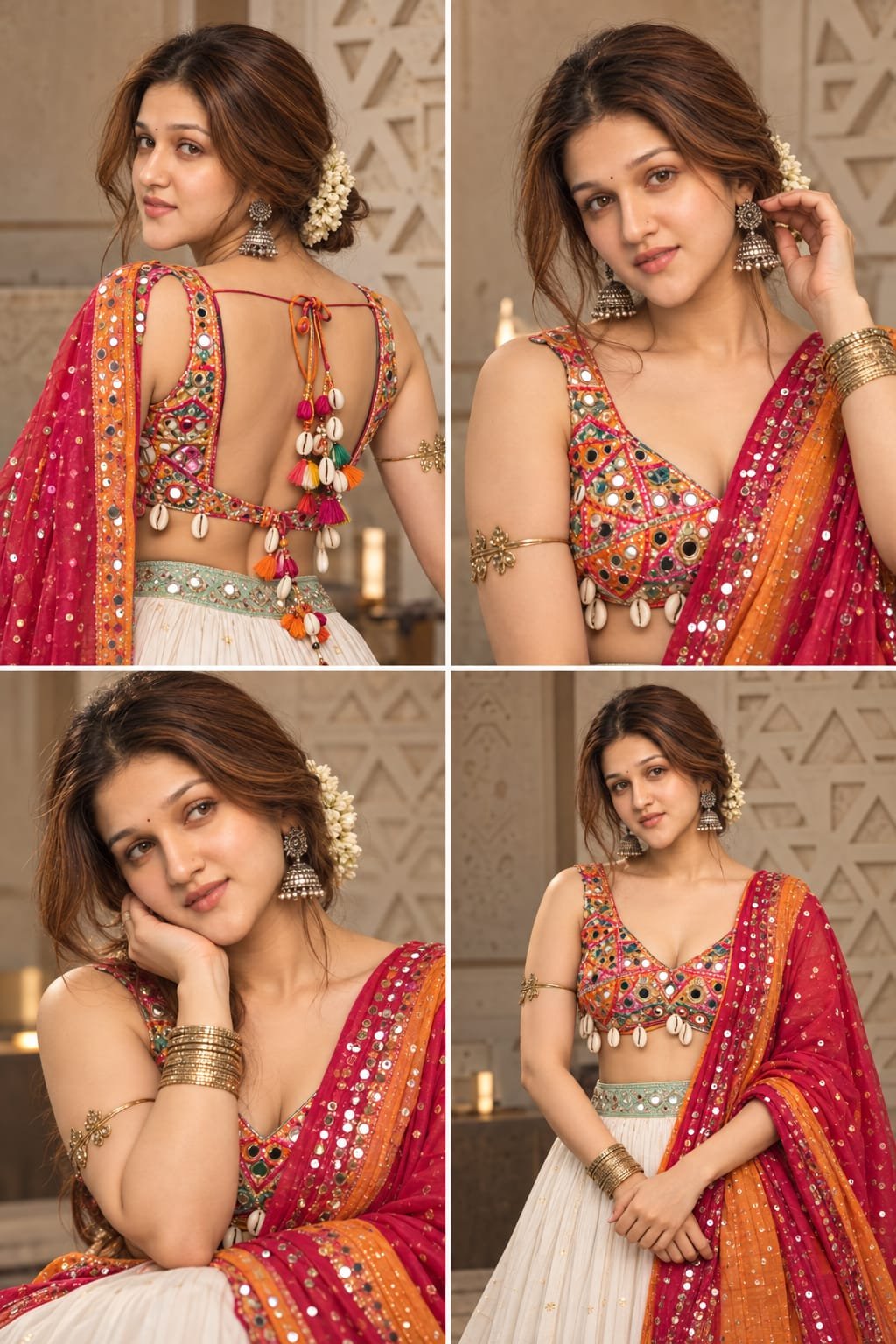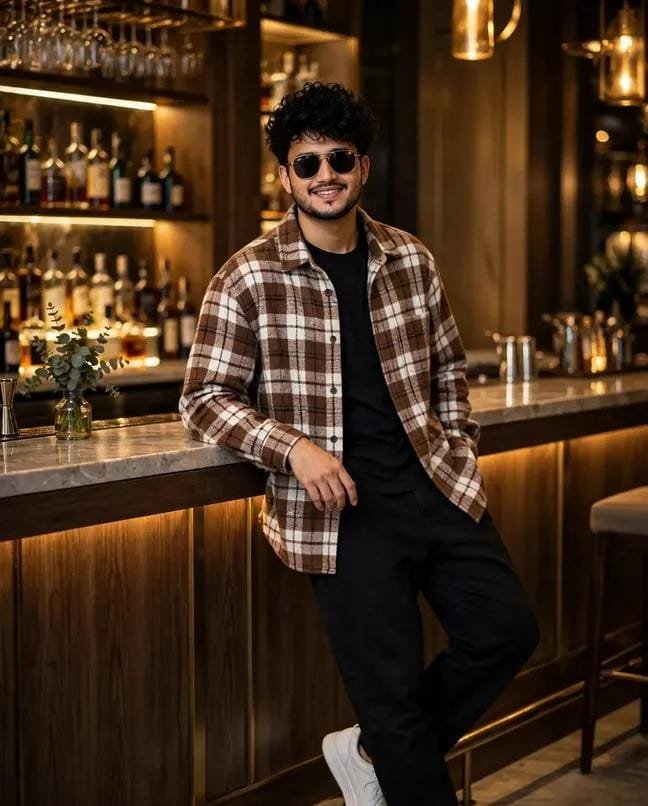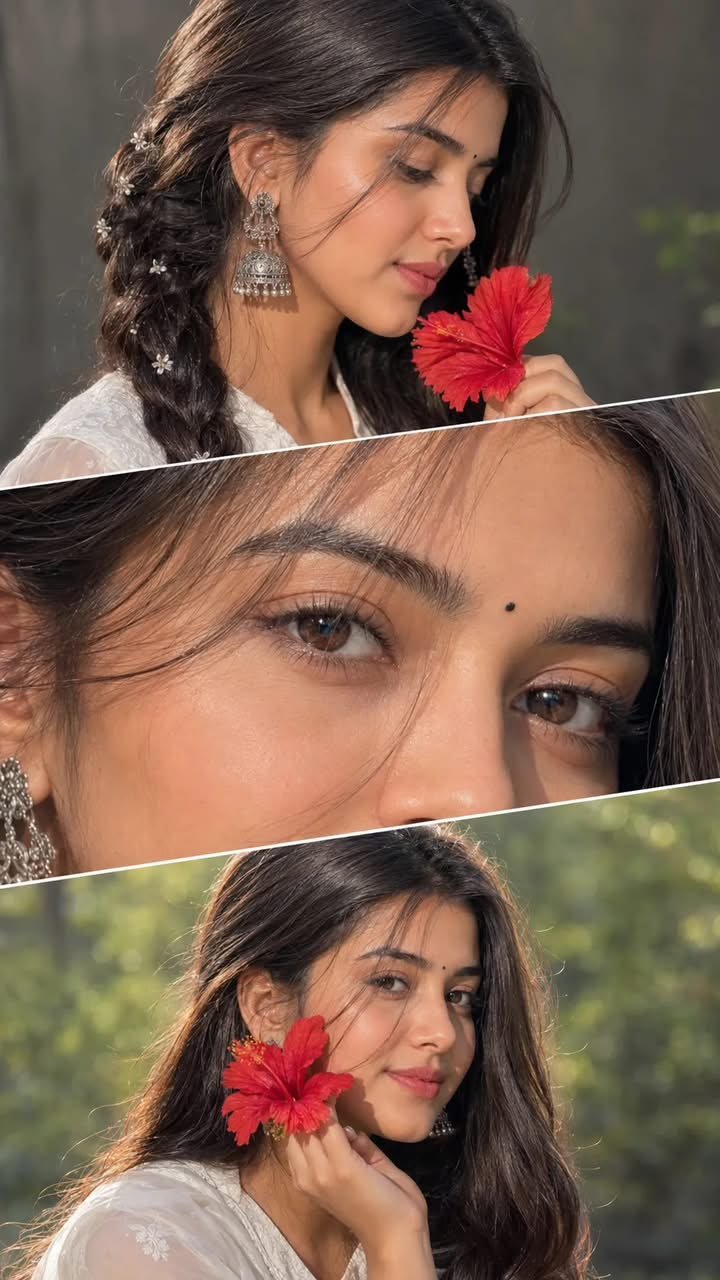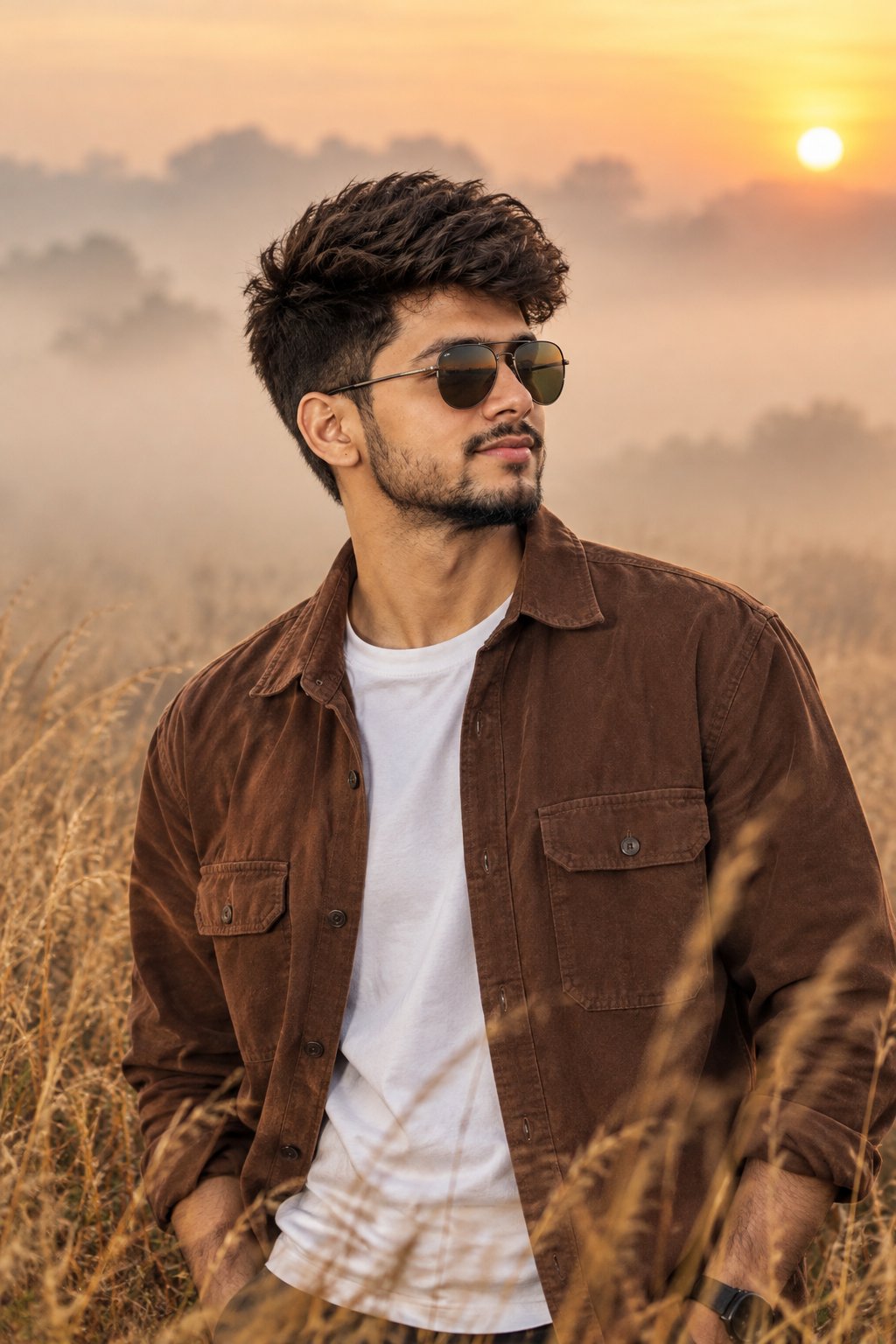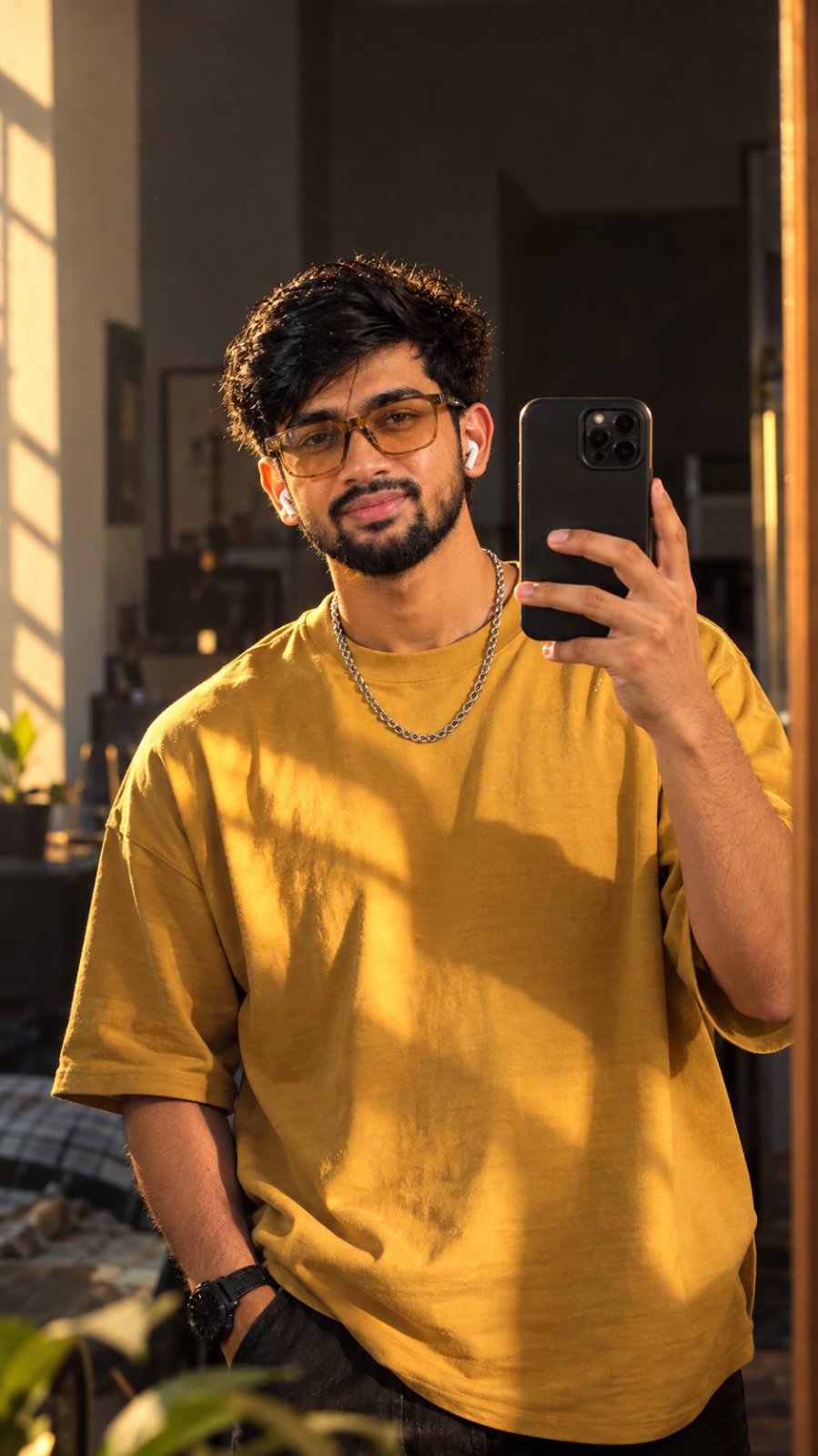
Custom Photorealistic Reel AI Video Prompt
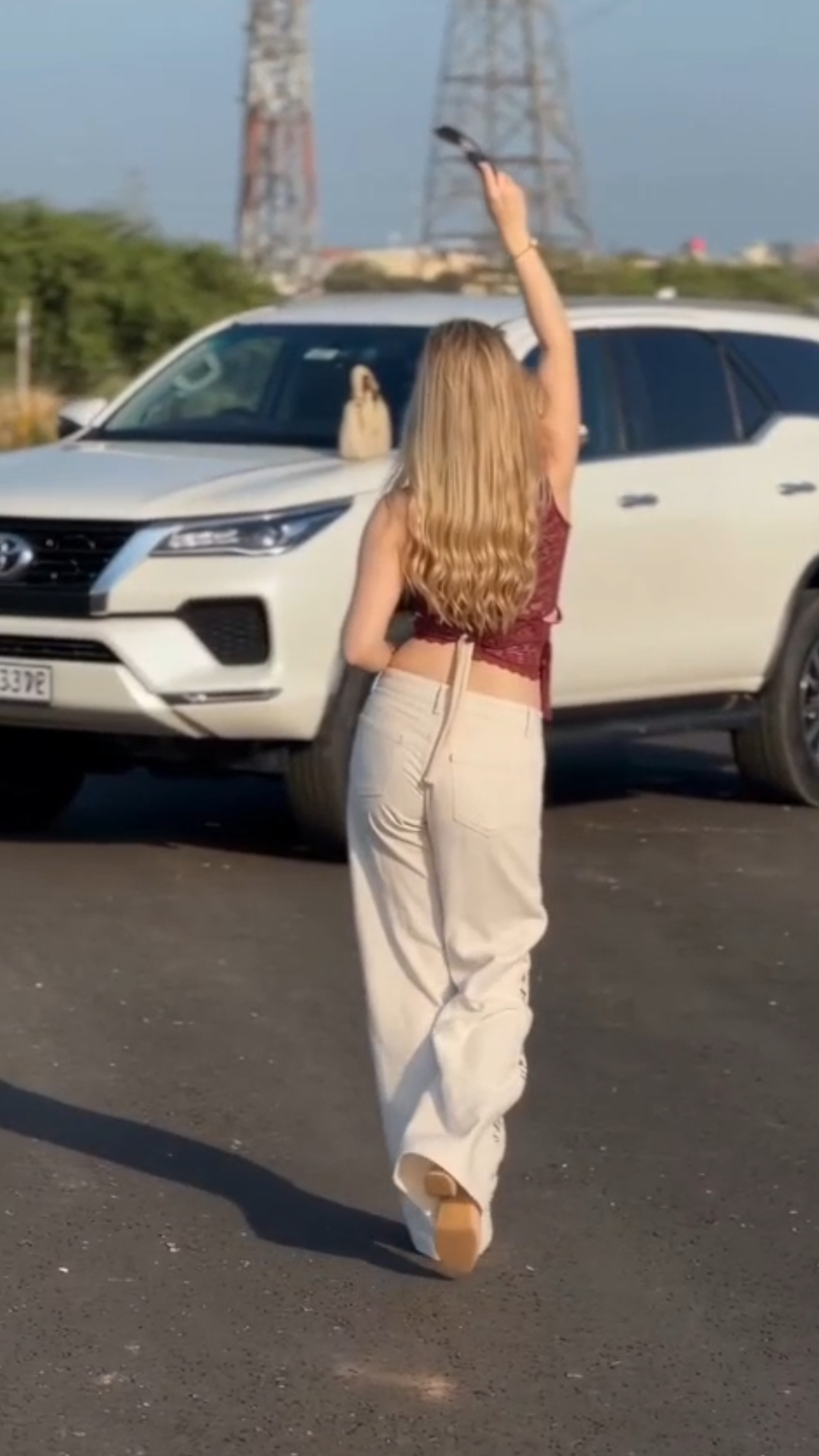
Generate a 9:16 photorealistic 10‑second video that swaps the reference subject while preserving exact facial identity, matching the original motio...
Details & Features
Details & Features
Custom Photorealistic Reel AI Video Prompt
Generate a 9:16 photorealistic 10‑second video that swaps the reference subject while preserving exact facial identity, matching the original motio...
🎬 Key Highlights & Features:
• Designed and optimized for instant, repeatable results
• Carefully tuned parameters for professional commercial outputs
• Easy to customize variables for rapid iteration
• Compatible with leading AI generation workflows
Customer Reviews
No reviews yet. Be the first to share your thoughts!
The Genius Prompt
Use my uploaded photo as the main subject and identity reference.

Use the uploaded reference video ONLY as the motion, camera movement, shot sequence, timing, framing and pose reference.

Create a photorealistic 9:16 vertical video approximately 10–11 seconds long.

IMPORTANT:
Keep the person from my uploaded photo exactly recognizable throughout the entire video. Preserve the same face, hairstyle, skin tone, body proportions and overall identity. Do not replace or redesign the person.

Recreate the reference video's sequence naturally:

• Start with a rear/three-quarter view of the subject walking toward the camera.
• Smoothly transition into a front-facing medium shot.
• The subject walks confidently and naturally while making subtle hand gestures.
• Move into a closer cinematic shot as the subject looks toward the camera.
• Recreate the pointing/hand gesture seen in the reference video.
• Show the subject naturally adjusting or interacting with their sunglasses if sunglasses are present in the reference.
• Include a wider walking shot followed by a smooth camera push-in.
• Finish with a relaxed close-up/medium shot and a natural confident expression.

Match the reference video's:
camera angles, camera distance, walking direction, body movements, hand gestures, shot timing, transitions, framing and overall rhythm.

Keep the environment visually similar to the reference video: outdoor setting, parked white SUV/car in the background, warm late-afternoon sunlight, natural shadows and realistic background blur.

Make all human movement physically realistic:
natural walking, natural hands and fingers, realistic hair movement, realistic clothing movement and natural facial expressions.

Do not add extra people.
Do not change the person's identity.
Do not change the gender or facial features.
Do not create an AI-looking face.
Do not add text, subtitles, logos or watermarks.

The final video should look like the same type of professionally filmed real-life reel as the reference video, with my uploaded person replacing the original subject.
Usage Instructions
AI Model / Engine
Tags
What you get
Details & Features
Custom Photorealistic Reel AI Video Prompt
Generate a 9:16 photorealistic 10‑second video that swaps the reference subject while preserving exact facial identity, matching the original motio...
🎬 Key Highlights & Features:
• Designed and optimized for instant, repeatable results
• Carefully tuned parameters for professional commercial outputs
• Easy to customize variables for rapid iteration
• Compatible with leading AI generation workflows
Customer Reviews
No reviews yet. Be the first to share your thoughts!
Earn by Selling Prompts
Are you a prompt engineer? Start selling prompts on Omexa and generate sales income.