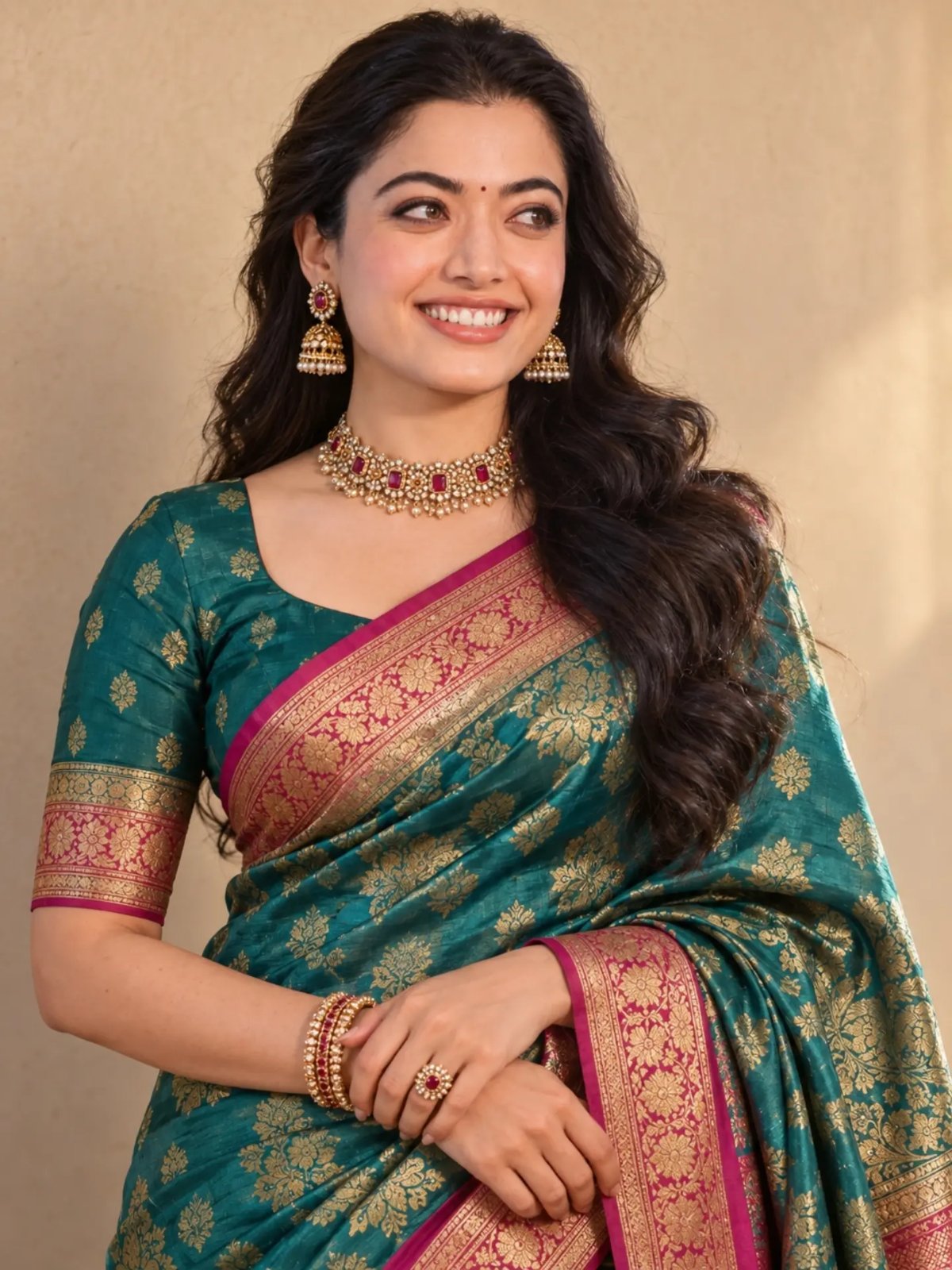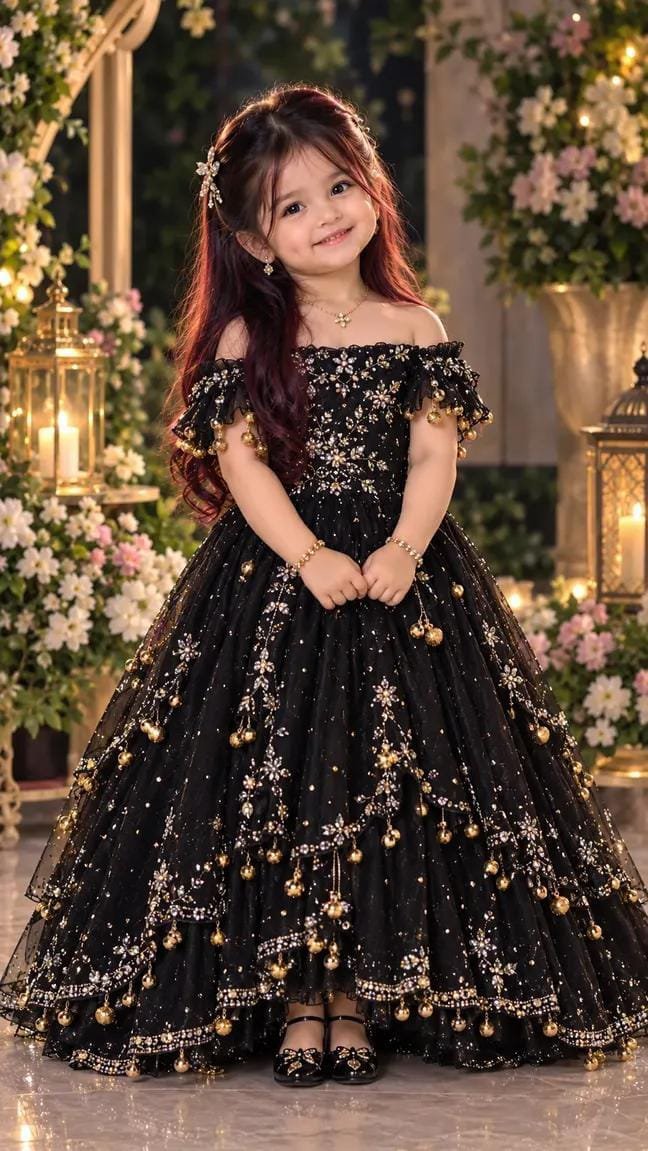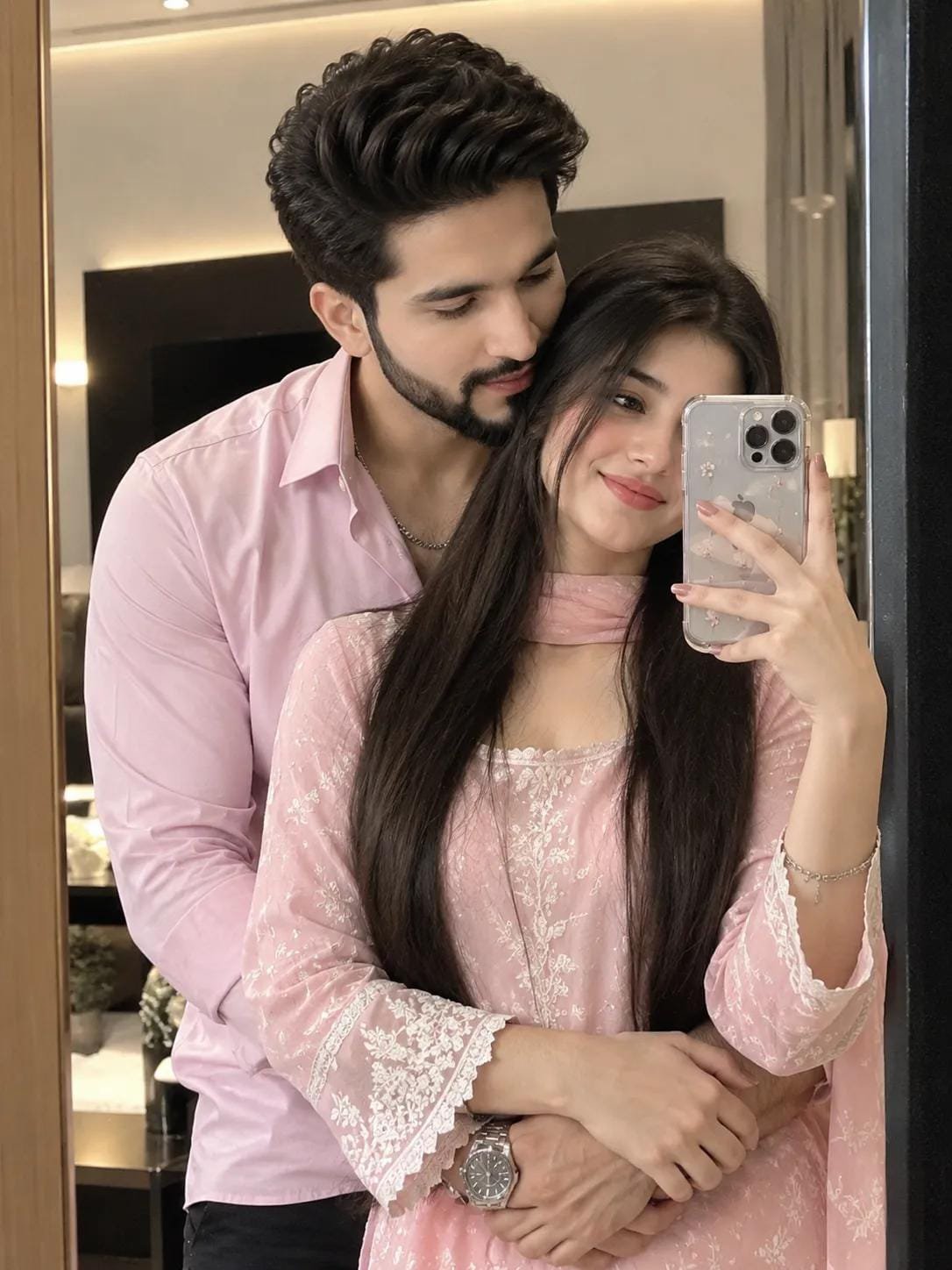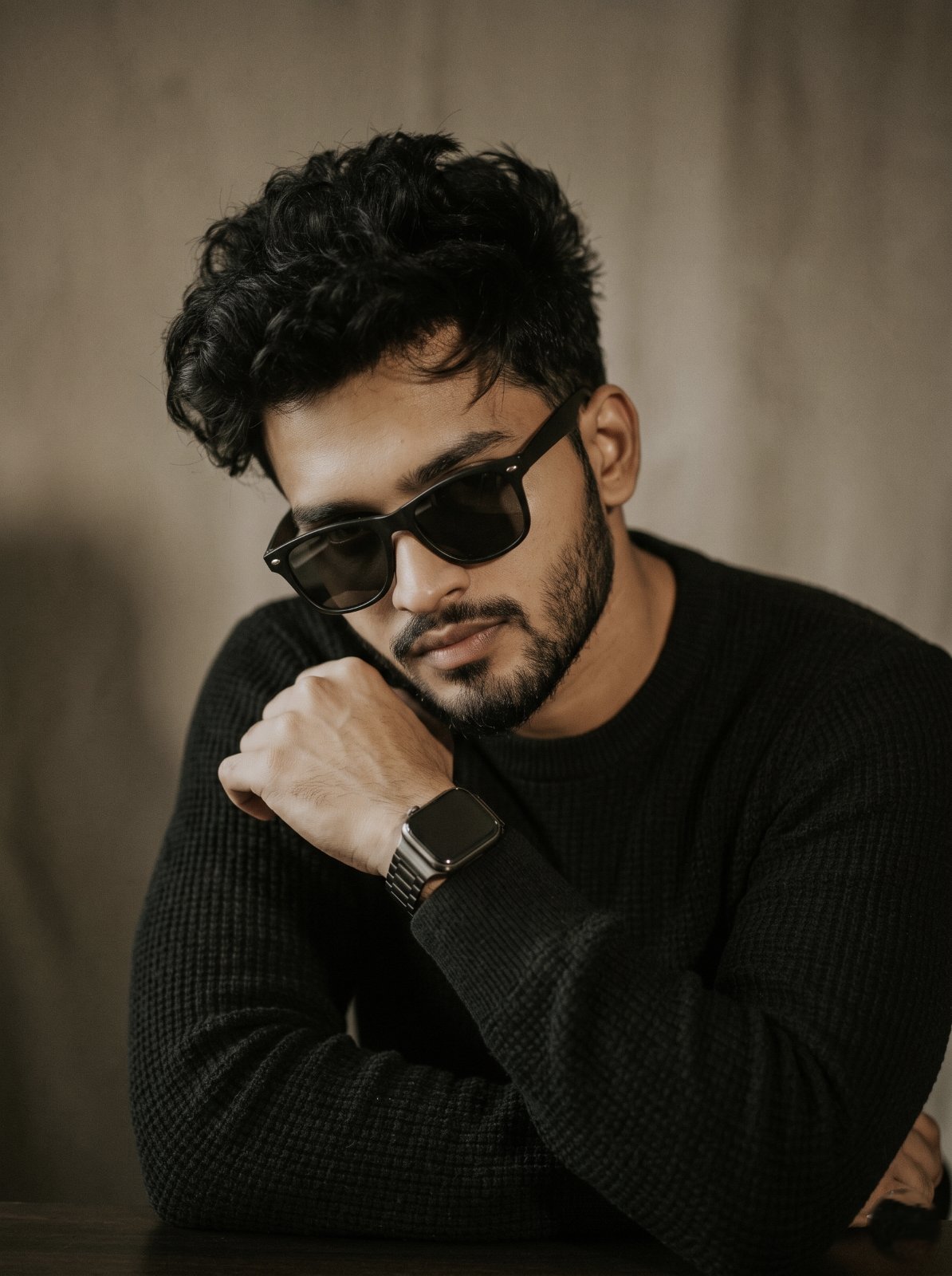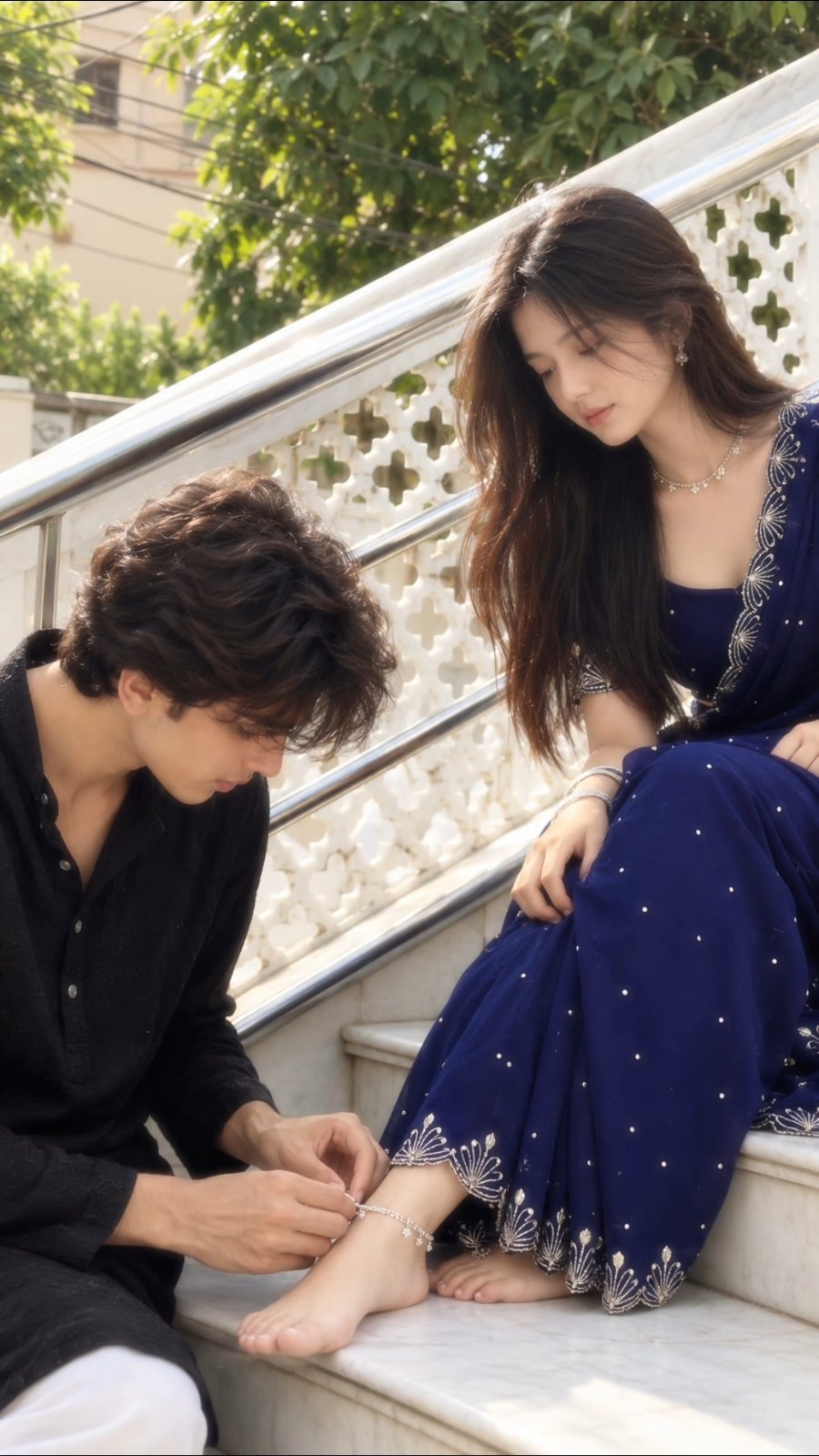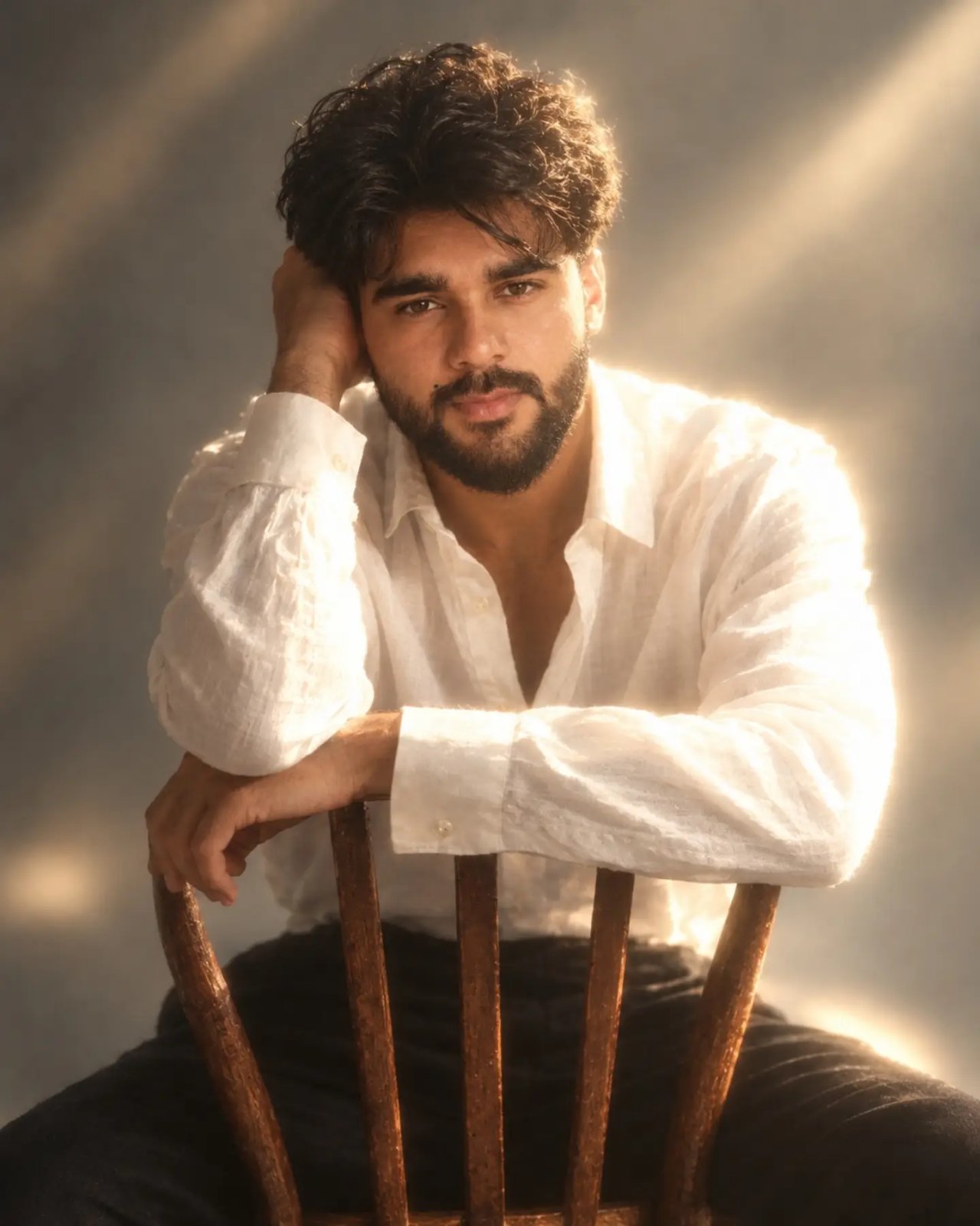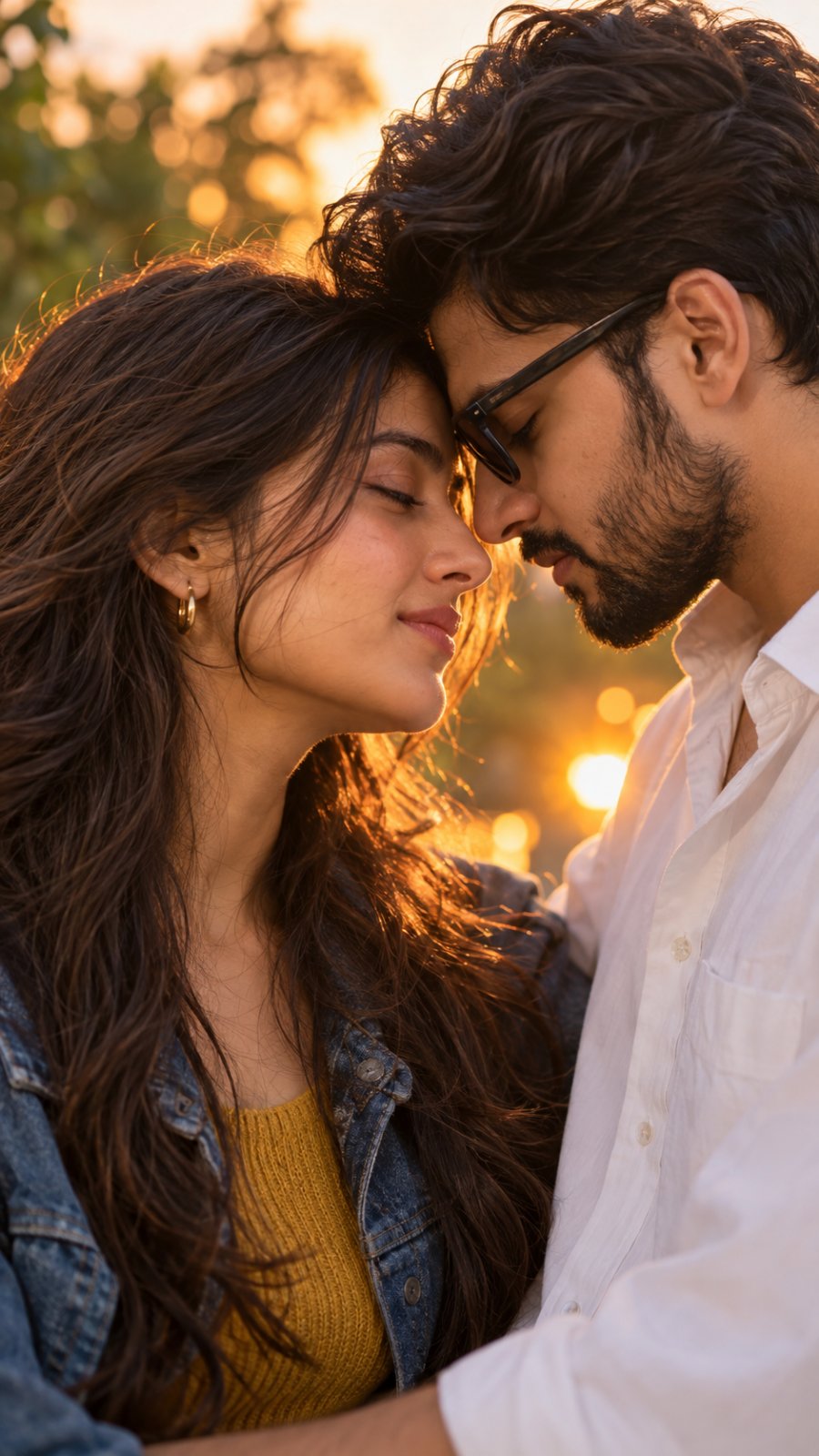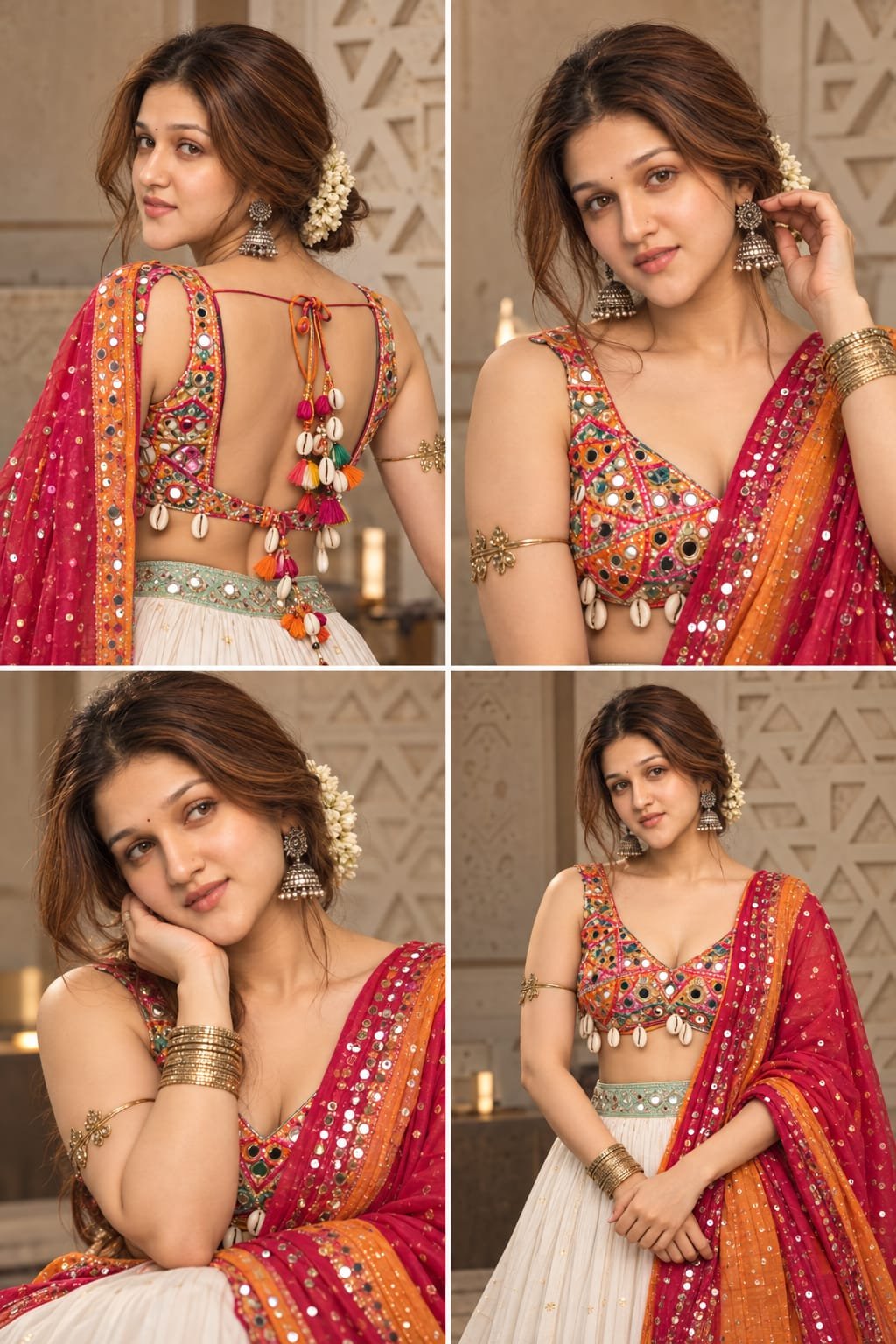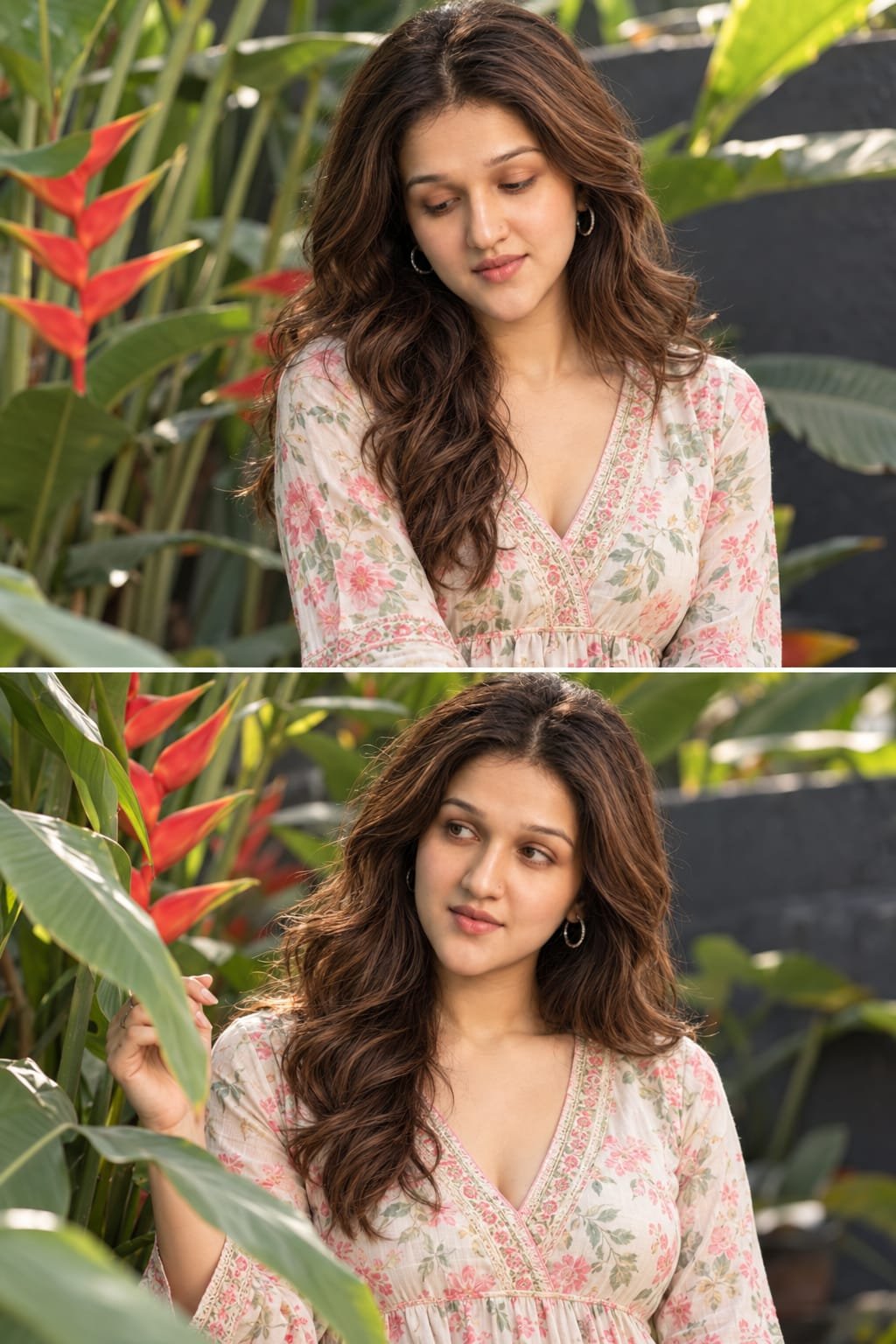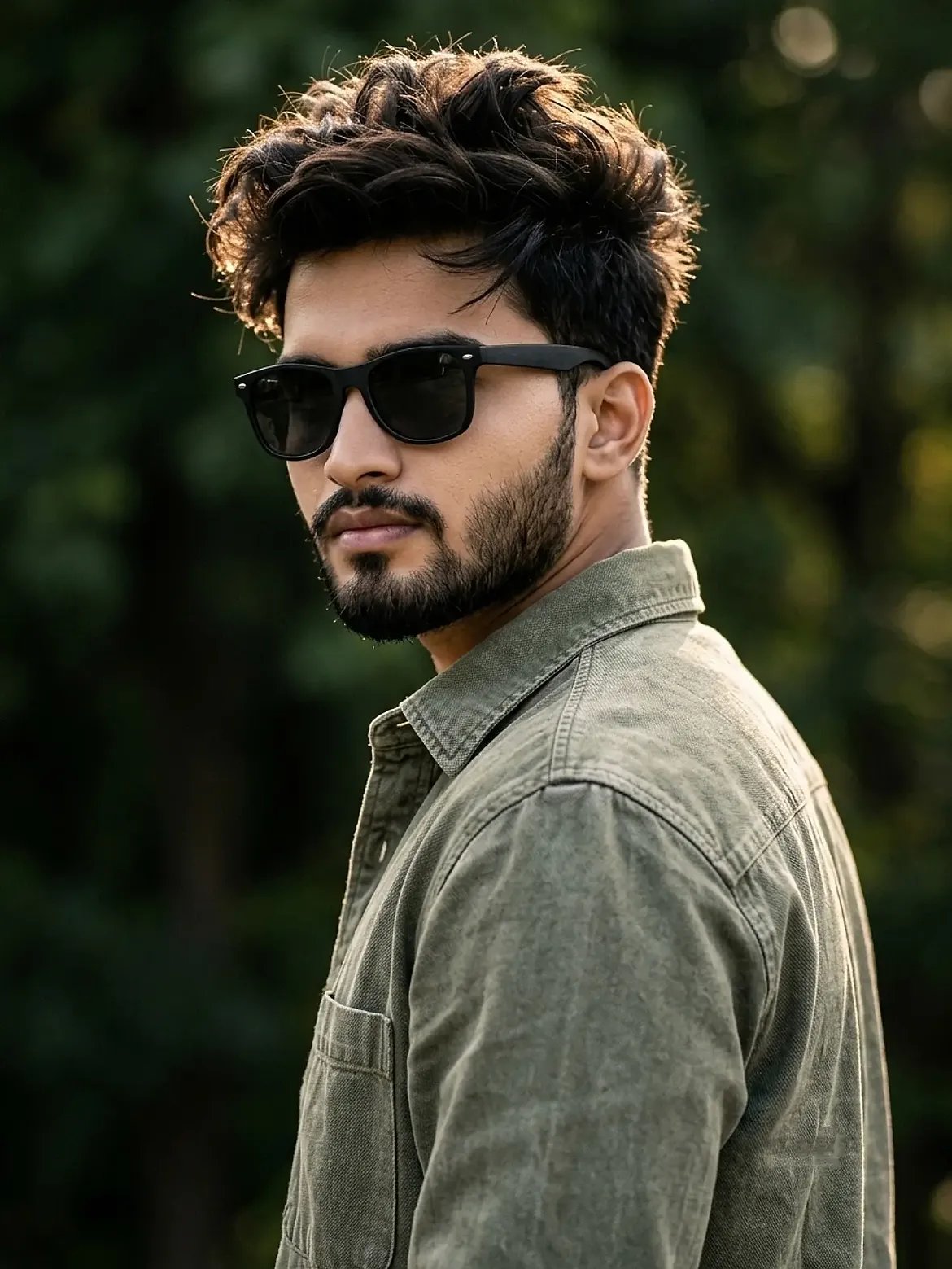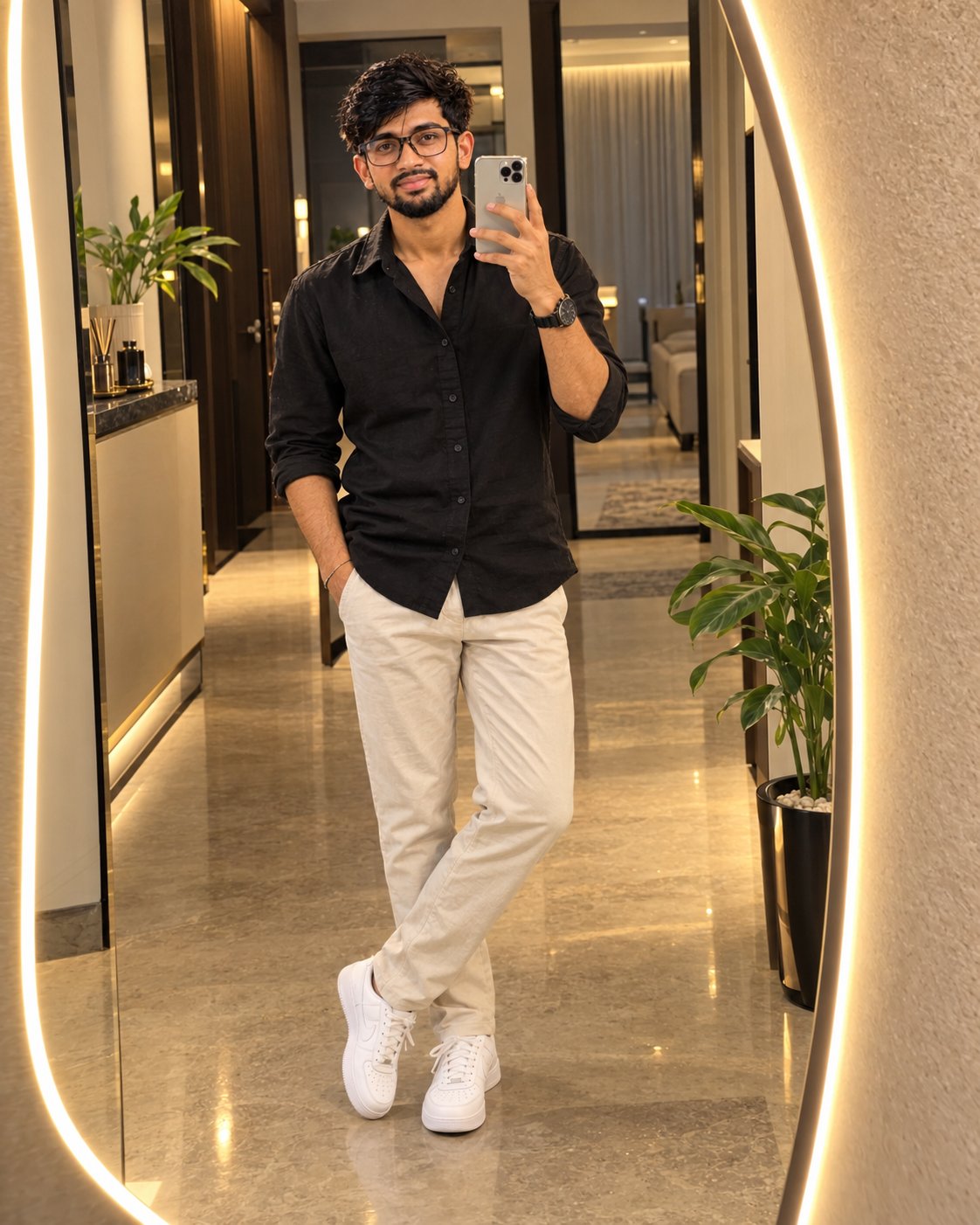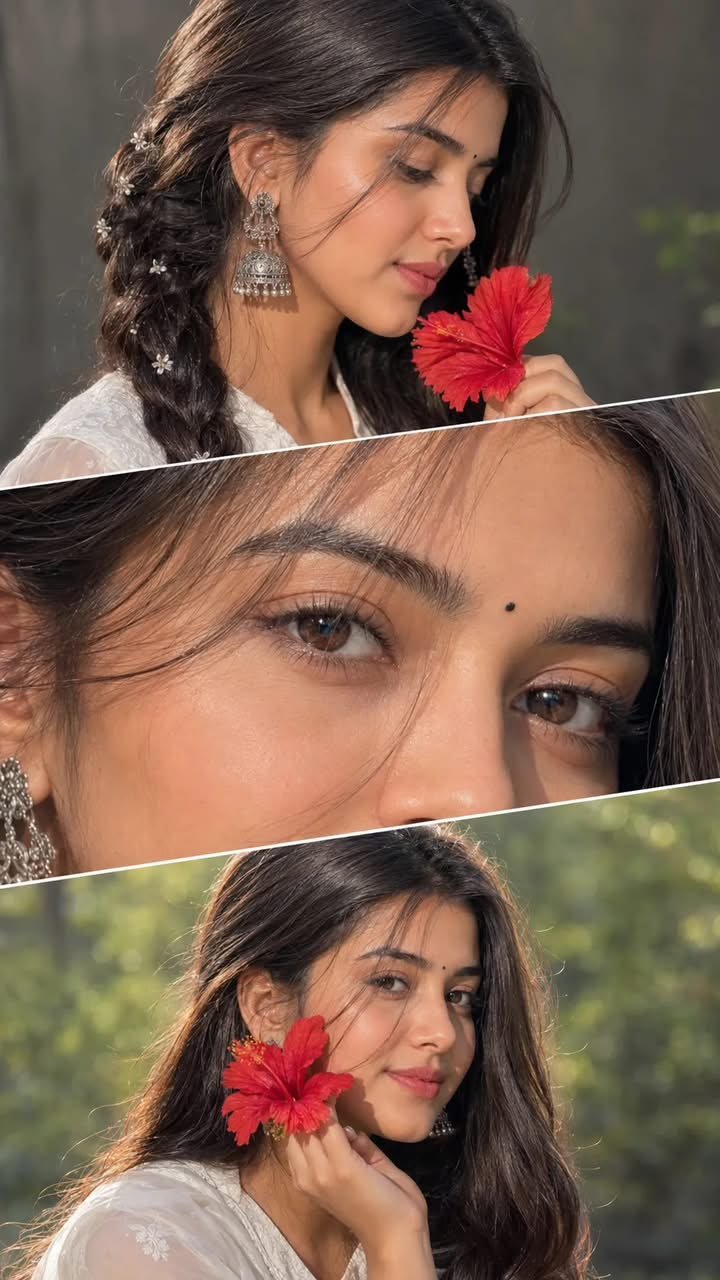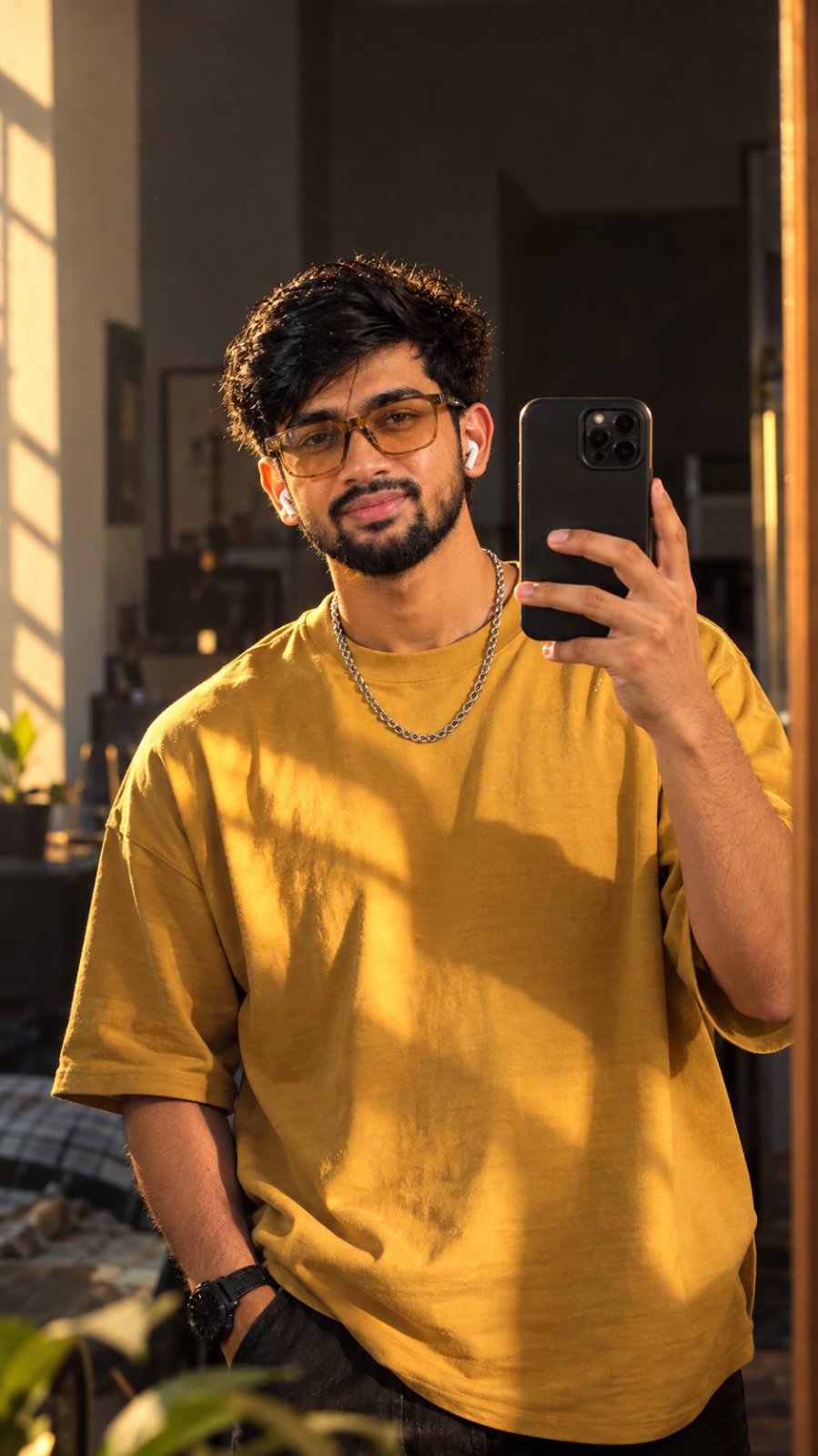
Dreamy Glow Blur Photoshop AI Image Prompt
Create ethereal 4:5 images with soft glowing halos using Photoshop blur techniques. Ideal AI Image Prompt for dreamy, radiant visuals.
Details & Features
Details & Features
Dreamy Glow Blur Photoshop AI Image Prompt
Create ethereal 4:5 images with soft glowing halos using Photoshop blur techniques. Ideal AI Image Prompt for dreamy, radiant visuals.
🎨 Key Highlights & Features:
• Designed and optimized for instant, repeatable results
• Carefully tuned parameters for professional commercial outputs
• Easy to customize variables for rapid iteration
• Compatible with leading AI generation workflows
Customer Reviews
No reviews yet. Be the first to share your thoughts!
The Genius Prompt
Glow blur aesthetics in Photoshop is all about creating a dreamy, radiant effect that softens the image while highlighting light sources. By applying a Gaussian Blur or Lens Blur to duplicated layers and blending them with modes like Screen or Overlay, you can produce a glowing halo that enhances highlights, adds depth, and gives the subject an ethereal look.

Genrate into accept ratio 4:5
Usage Instructions
AI Model / Engine
Tags
What you get
Details & Features
Dreamy Glow Blur Photoshop AI Image Prompt
Create ethereal 4:5 images with soft glowing halos using Photoshop blur techniques. Ideal AI Image Prompt for dreamy, radiant visuals.
🎨 Key Highlights & Features:
• Designed and optimized for instant, repeatable results
• Carefully tuned parameters for professional commercial outputs
• Easy to customize variables for rapid iteration
• Compatible with leading AI generation workflows
Customer Reviews
No reviews yet. Be the first to share your thoughts!
Earn by Selling Prompts
Are you a prompt engineer? Start selling prompts on Omexa and generate sales income.