Personal Car & Cards Reveal Video Prompt
AI Video Prompt to generate a 15‑second photorealistic vertical video recreating your reference, featuring your exact face, car, and cards in conti...
Details & Features
Details & Features
Personal Car & Cards Reveal Video Prompt
AI Video Prompt to generate a 15‑second photorealistic vertical video recreating your reference, featuring your exact face, car, and cards in conti...
🎬 Key Highlights & Features:
• Designed and optimized for instant, repeatable results
• Carefully tuned parameters for professional commercial outputs
• Easy to customize variables for rapid iteration
• Compatible with leading AI generation workflows
Customer Reviews
No reviews yet. Be the first to share your thoughts!
The Genius Prompt
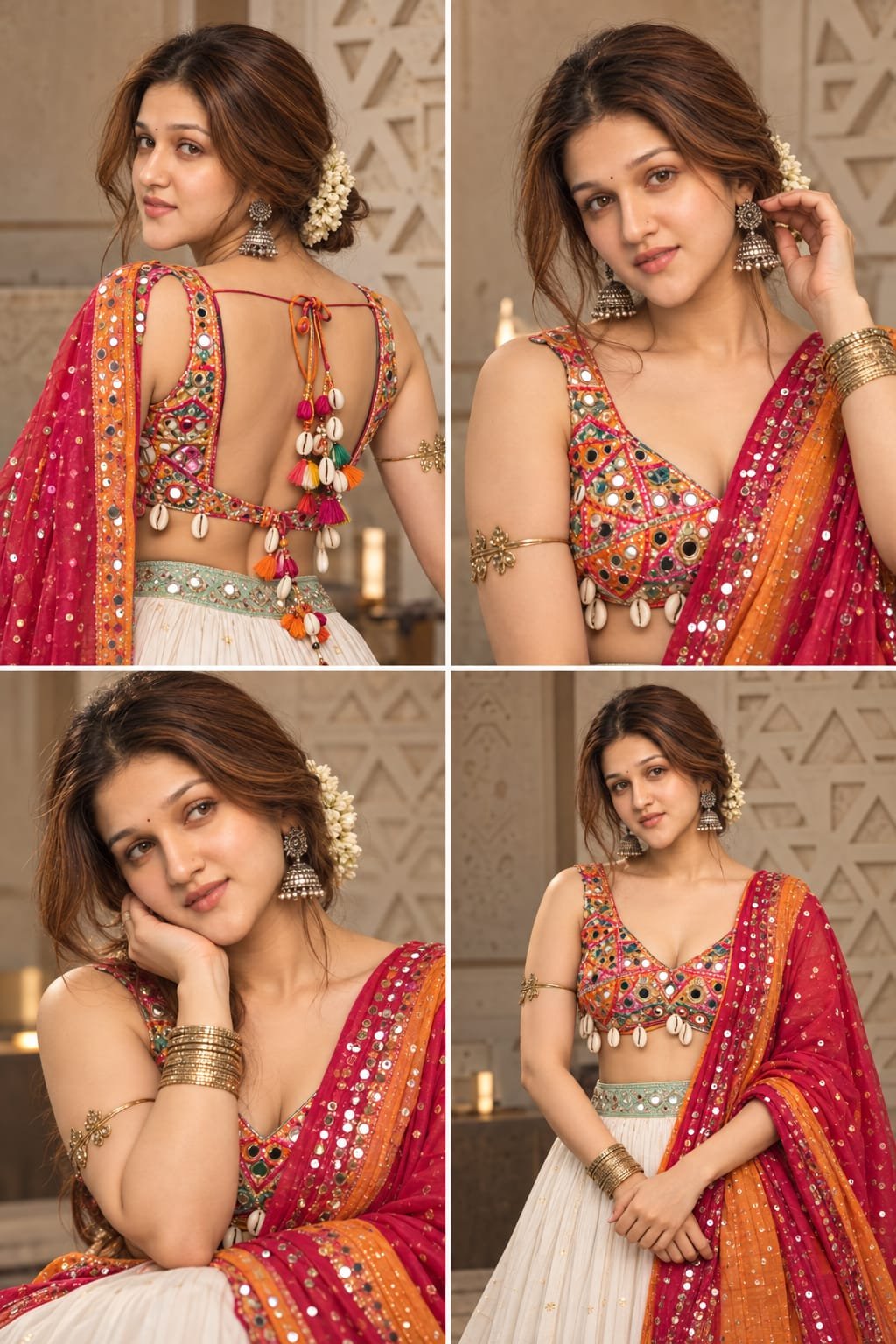
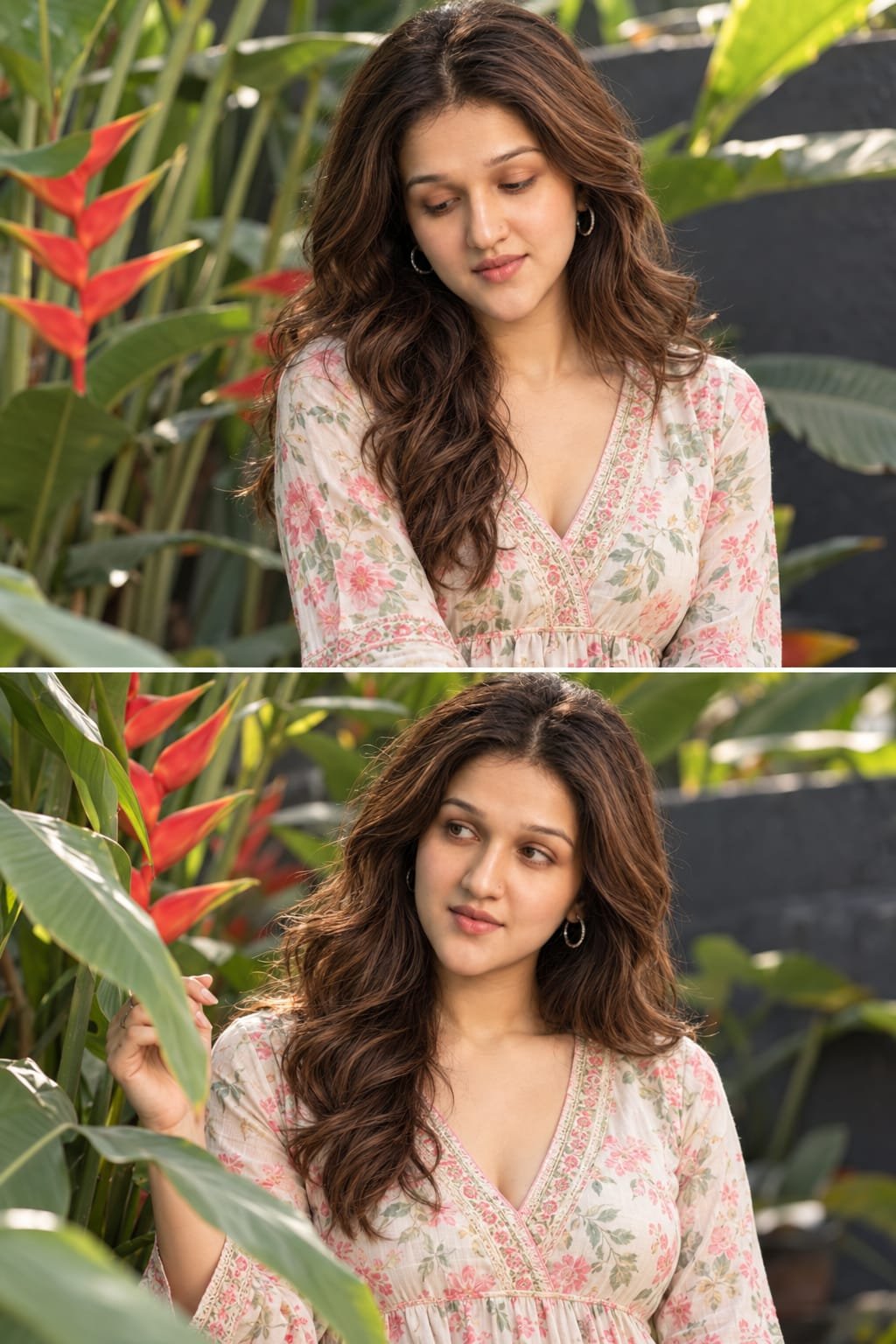
Create a 10-second ultra-photorealistic, cinematic video using the uploaded photo as the exact visual reference and first frame.

Subject Motion and Animation:
Keep the main subject in the same position and preserve the original pose, face, identity, hairstyle, outfit, body proportions, and all distinctive details. Animate the subject with subtle, natural, lifelike movements only. Allow gentle wind to move the hair and clothing naturally wherever applicable. Maintain the original body posture and avoid exaggerated gestures or unnecessary movements.

Environmental Animation:
Animate the surrounding environment with realistic, subtle movements based on the uploaded scene. This may include gently swaying grass and tree branches, flowing water, drifting mist, floating dust particles, falling rain, moving clouds, or other naturally occurring environmental elements. Use only elements that fit the original photograph. Maintain realistic physics, natural wind direction, atmospheric depth, and consistent lighting.

Camera Movement:
The camera must remain completely static and locked in the exact same position throughout the entire video. No zoom-in, no zoom-out, no panning, no tilting, no rotation, no tracking, no dolly movement, no reframing, and no camera shake. Maintain the exact original framing, perspective, composition, and subject placement from the first frame to the last frame.

Lighting and Visual Style:
Maintain realistic lighting, natural shadows, accurate reflections, detailed textures, cinematic color grading, and atmospheric depth. The result should look like a real scene captured by a professional cinema camera, not artificial CGI or a digitally animated photograph.

Consistency Rules:
Use the uploaded photo as the exact starting frame. Preserve the subject's identity, facial features, clothing, background, objects, and original scene layout. Do not add or remove objects, change the environment, distort the subject, or introduce new characters. Avoid flickering, morphing, warping, unnatural movements, sudden changes in lighting, and background deformation.

Motion Style:
Slow, subtle, realistic environmental movement with minimal subject movement. The scene should feel alive while the camera and overall composition remain completely unchanged.

Output Settings:
Duration: 10 seconds.
Aspect ratio: Match the uploaded photo.
Frame rate: 24–30 FPS.
Quality: High-resolution, ultra-photorealistic, smooth and consistent motion.

Final Result: A realistic cinematic scene brought to life from a single photograph, with only the subject and environmental elements moving naturally while the camera stays perfectly still.
Usage Instructions
AI Model / Engine
Tags
What you get
Details & Features
Personal Car & Cards Reveal Video Prompt
AI Video Prompt to generate a 15‑second photorealistic vertical video recreating your reference, featuring your exact face, car, and cards in conti...
🎬 Key Highlights & Features:
• Designed and optimized for instant, repeatable results
• Carefully tuned parameters for professional commercial outputs
• Easy to customize variables for rapid iteration
• Compatible with leading AI generation workflows
Customer Reviews
No reviews yet. Be the first to share your thoughts!
Earn by Selling Prompts
Are you a prompt engineer? Start selling prompts on Omexa and generate sales income.