
Image to PDF Converter
Create a professional Image-to-PDF converter with drag & drop support.
Details & Features
Image to PDF Converter Tool (HTML, CSS, JavaScript)
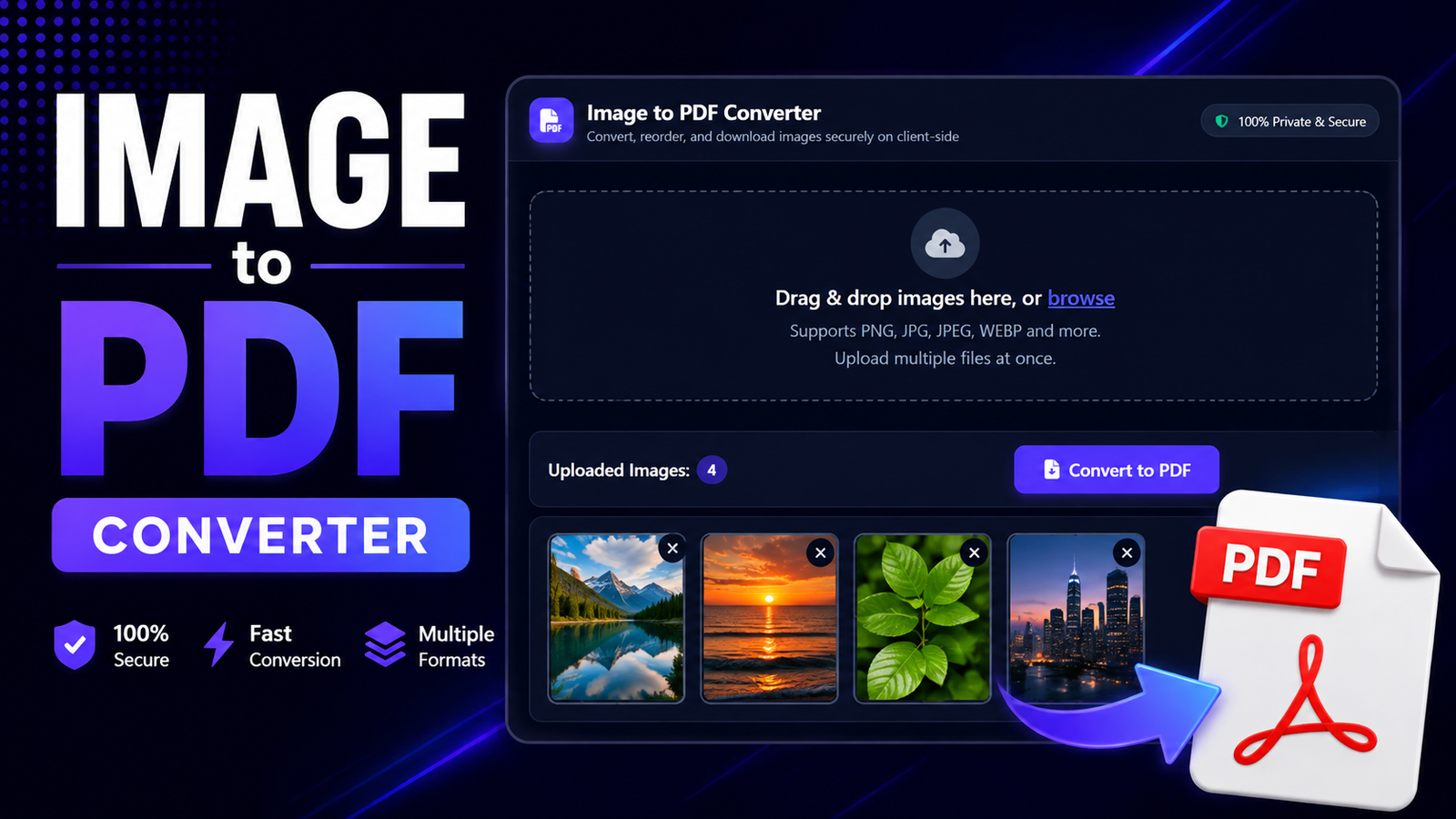
Build a powerful and easy-to-use Image to PDF Converter that allows users to upload multiple images and convert them into a single PDF file directly in the browser.
What This Prompt Generates
- Image upload with multiple file selection
- Clean drag-and-drop style UI
- Convert images into one downloadable PDF
- Modern dark theme interface
- Responsive design for all screen sizes
Ideal For
- File conversion and document tools
- Resume and office utility websites
- Students and professionals
- High-traffic SEO tool platforms
Why This Prompt Is High Value
File converter tools have massive demand. This prompt gives you a ready-made UI and logic that can be deployed instantly or enhanced with premium features.
Technologies Used
HTML, CSS, JavaScript
Customer Reviews
No reviews yet. Be the first to share your thoughts!
The Genius Prompt
You are an expert web developer. Create a complete, single-file HTML web application for an 'Image to PDF Converter'. The application should be styled with a dark theme using Tailwind CSS.

Project Goal:
Build a tool that allows users to upload multiple images, reorder them, and convert them into a single PDF document, all performed on the client-side.

Core Technologies:
- HTML, Tailwind CSS, JavaScript
- Font Awesome for icons
- `jsPDF` library for PDF creation (from CDN).
- A drag-and-drop library like `SortableJS` for reordering (from CDN).

UI/UX Design (Dark Theme):
1.  Upload Area:
    * A file input (``) styled as a large, clickable drop zone.
2.  Image Preview Area:
    * A grid or list area where thumbnails of the uploaded images are displayed.
    * Each thumbnail should show the image and its filename.
    * Each thumbnail should have a 'Remove' button.
    * This entire area should be sortable using drag-and-drop.
3.  Controls:
    * A 'Convert to PDF' button, which becomes active only after at least one image is uploaded.

Functionality (JavaScript):
1.  File Handling:
    * When files are selected, use `FileReader` to read each image and generate a data URL for the thumbnail preview.
    * Store the file objects or data URLs in a global array to maintain their order.
2.  Drag-and-Drop Sorting:
    * Initialize `SortableJS` on the image preview container.
    * On the `end` event of a drag, update the order of the images in the global JavaScript array to match the new DOM order.
3.  PDF Conversion:
    * When the 'Convert to PDF' button is clicked, create a new `jsPDF` instance.
    * Iterate through the (now sorted) image array.
    * For each image, add a new page to the PDF (`doc.addPage()`) and use `doc.addImage()` to place the image on the page. Handle image sizing to fit the page while maintaining aspect ratio.
    * Once all images are added, use `doc.save('images.pdf')` to trigger the download.

Final Output:
Provide the complete code in a single, well-commented HTML file.
Usage Instructions
Tags
What you get
Image to PDF Converter Tool (HTML, CSS, JavaScript)
Build a powerful and easy-to-use Image to PDF Converter that allows users to upload multiple images and convert them into a single PDF file directly in the browser.
What This Prompt Generates
- Image upload with multiple file selection
- Clean drag-and-drop style UI
- Convert images into one downloadable PDF
- Modern dark theme interface
- Responsive design for all screen sizes
Ideal For
- File conversion and document tools
- Resume and office utility websites
- Students and professionals
- High-traffic SEO tool platforms
Why This Prompt Is High Value
File converter tools have massive demand. This prompt gives you a ready-made UI and logic that can be deployed instantly or enhanced with premium features.
Technologies Used
HTML, CSS, JavaScript
Customer Reviews
No reviews yet. Be the first to share your thoughts!
Earn by Selling Prompts
Are you a prompt engineer? Start selling prompts on Omexa and generate sales income.